


If you have "ordered" the project in the database using the form, an automatic ticket will be generated in the Webhelpdesk with all the details.
As soon as the project has been created in Typo3, you will receive an e-mail with the necessary information.
Edit project 
Login TYPO3
System User name + System password
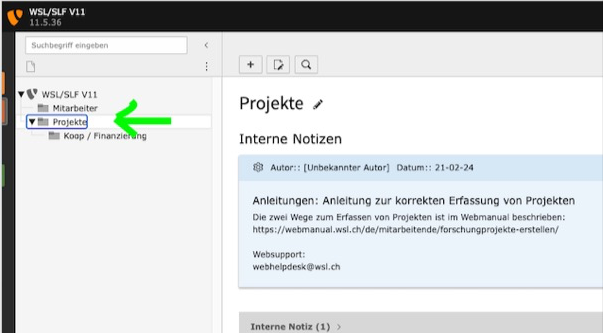
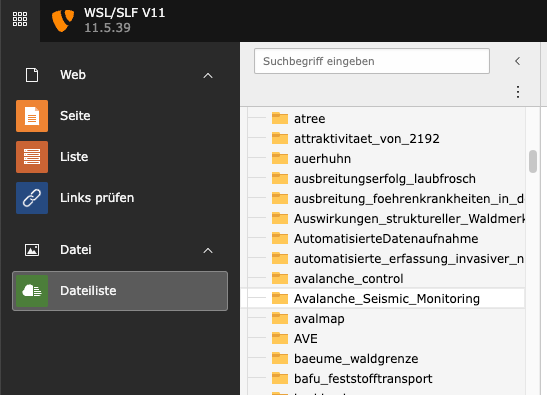
You will find your project in the "Projects" folder (1.) and the files for it in the "File list" folder (2.): fileadmin/userupload/WSL/Projects/Year/Project folder
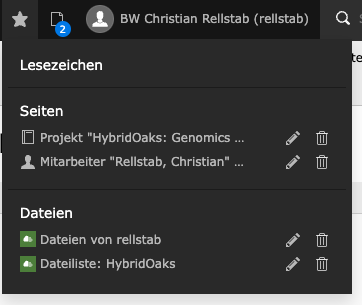
or both have been saved directly in your bookmarks (3.)
Project editing
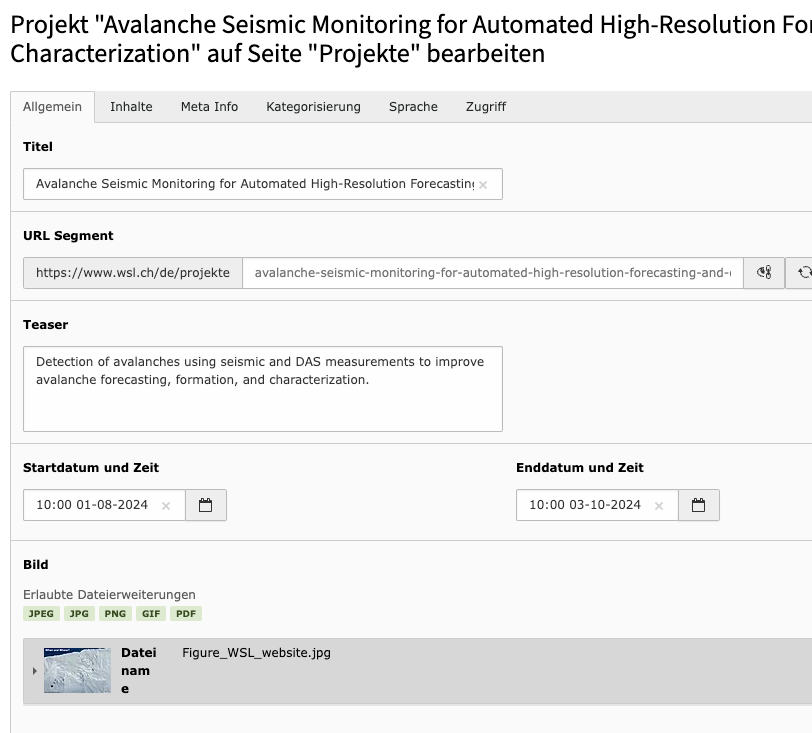
- The "General" tab (4.) contains all general information about the project
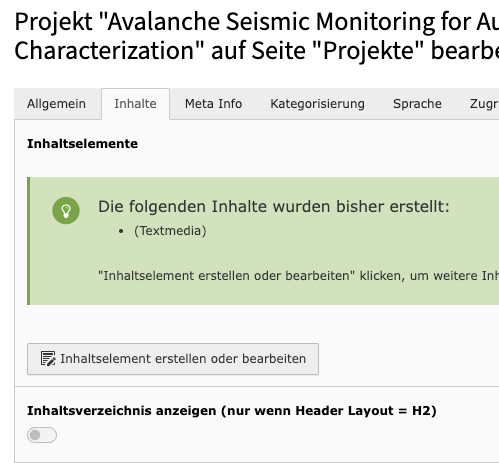
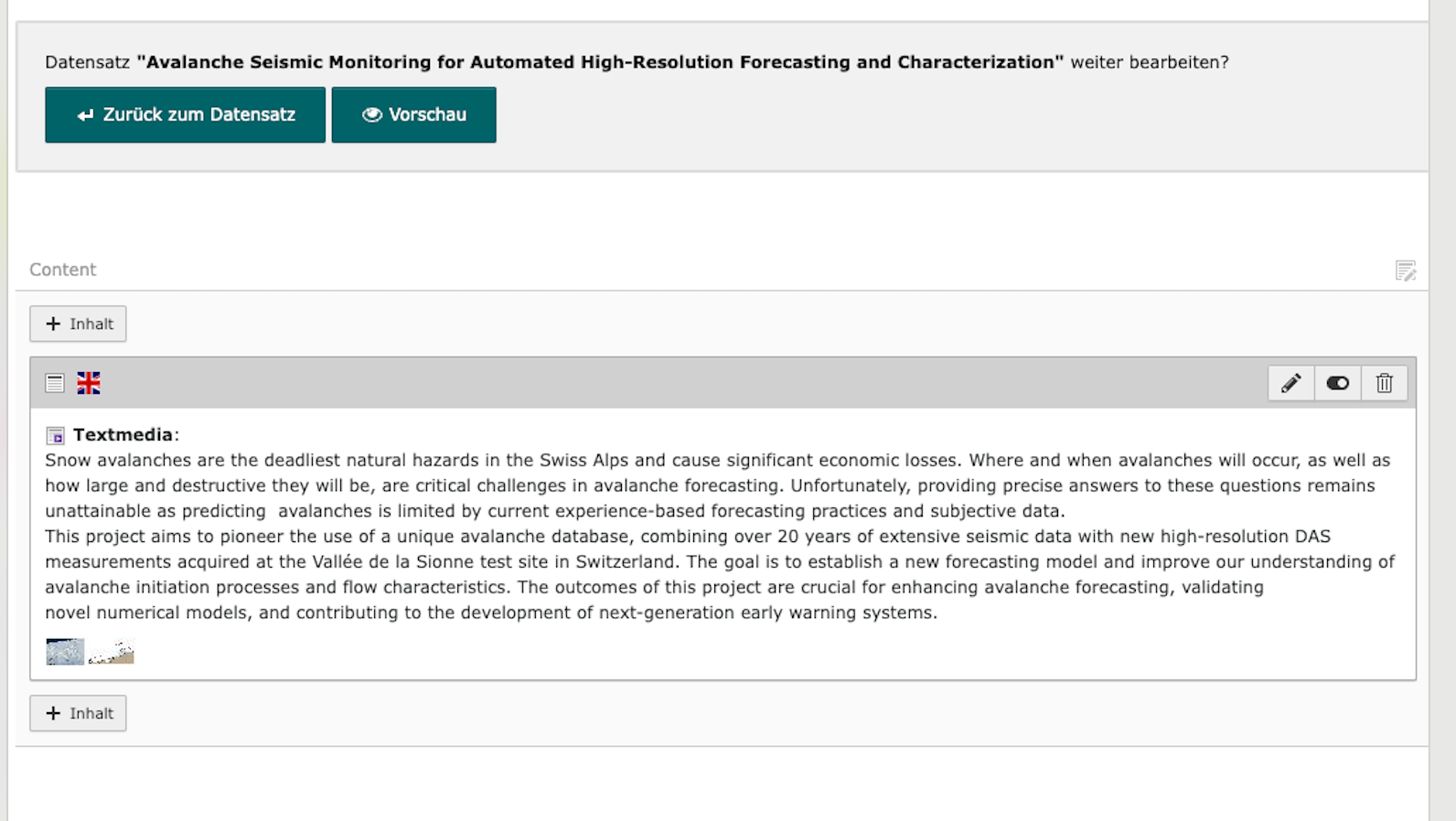
- In the tab "Contents" (5. + 6.) the texts and files can be inserted/adapted.
Related links: How do I edit content in Typo3?
Languages 
You would like to create the project in other languages:
Contact webhelpdesk(at)wsl.ch or the person who created your project in Typo3.
File storage 

If you see this image, you should not store any files in this folder, but create your own project file folder.