


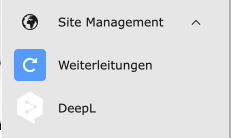
In the left column, you will find the "Site Management" module.
Click on the blue "Redirects" icon. You can now set up a redirect in the right column. To do this, click on the "Add redirect" button at the top left.

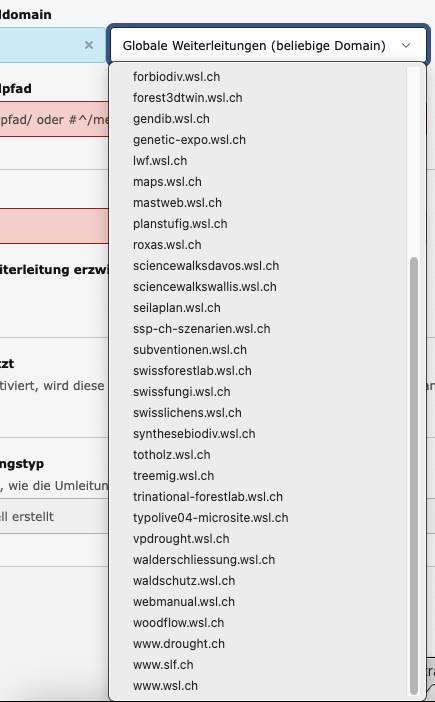
For each redirect, a domain must be selected for which this redirect should apply. If this is not selected, the redirect applies to all domains that have been set up in our WSL-Typo3. This is not desirable.
So select the correct domain under "Source domain" → Global redirects(..). It will then be transferred to the left-hand field where the "*" was.
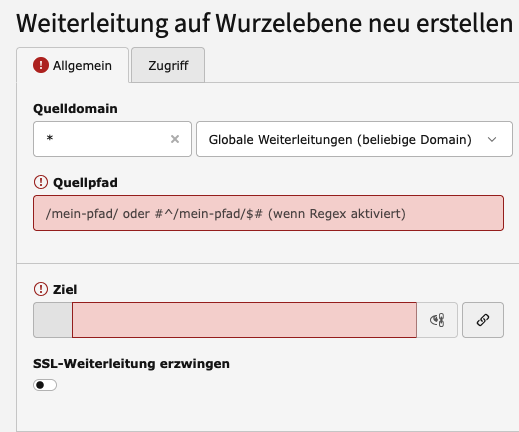
Then enter the source path, i.e. what your redirect should be - starting with a slash "/"
Select the destination. You can then save this forwarding.
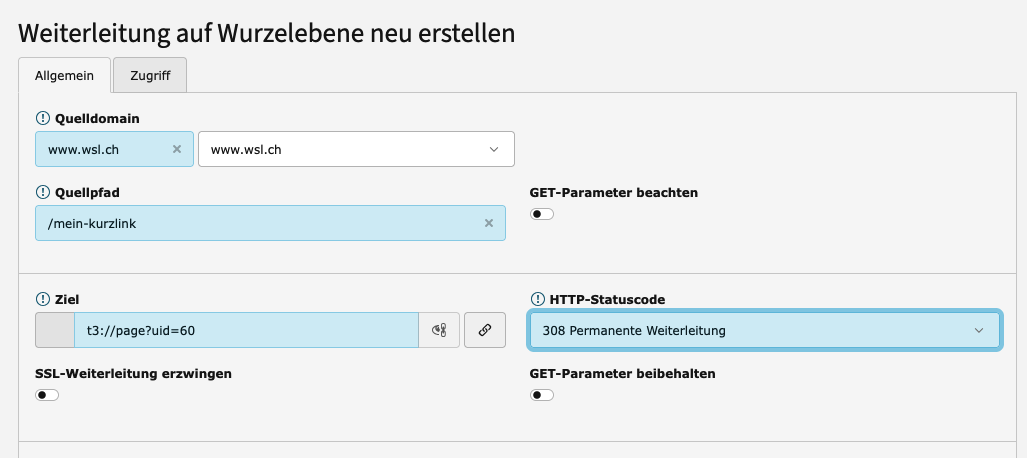
Forwarding in other languages 
After you have selected the destination, enter a language code after the TYPO3 URL:
- 0 for German (default)
- 1 for English
- 2 for French
- 3 for Italian
An "&" must be added to connect the language code with the target link. In the example, page 60 was selected as the target /my-shortlink and an &L=1 was added.


Temporary forwarding 
Forwarding can also be set up for a specific period of time only.
To do this, select "307 Temporary forwarding" in the HTTP status code dropdown on the right and enter the start and stop date in the "Access" tab.

