


Contents 
Translate Pages and Content 
Once you've created all the content elements in German, you can translate everything at once.
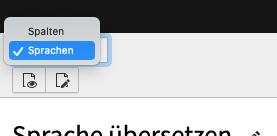
To do this, click the button in the upper-left corner to switch the dropdown from “Columns” to “Languages” view.
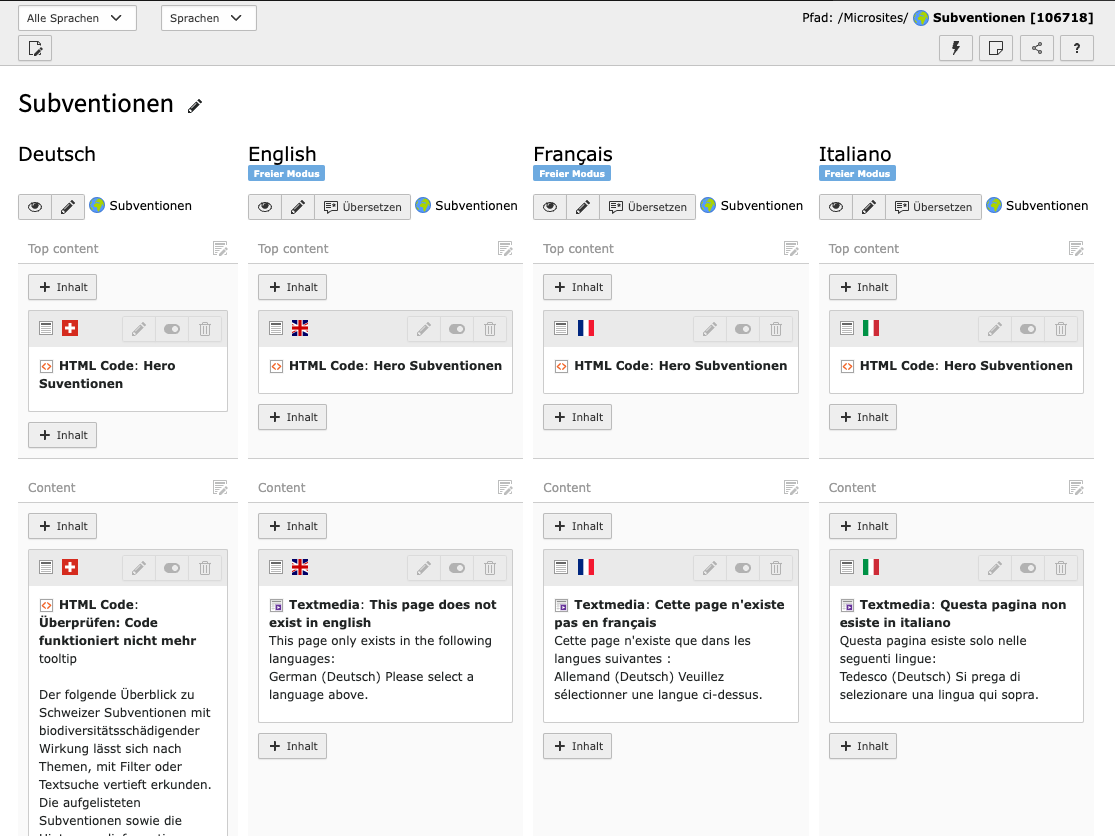
After doing this, click the “Create Translation of This Page” button and select the respective languages.
In the overview, switch the language from “German” to “All Languages.” This will display all languages side by side.
If you want to translate a content element that was created later, click the “Translate” button in the language you want to translate to (in this case, English). The tool will guide you through the process. Just select the content element you want to translate.



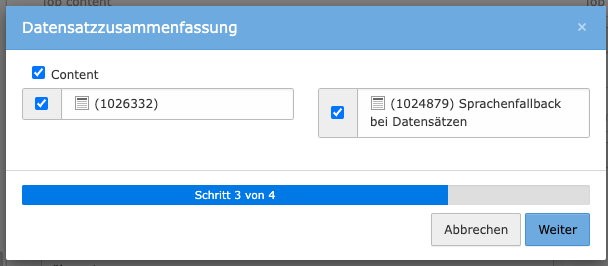
Content elements can also be translated directly with DeepL

Language Settings for Content Pages 
If a translation for a page is not available or not desired, the page will not be displayed in that language.
No other language is displayed instead (no language fallback).
Content pages are
- topics and topic subpages, e.g., Forest, Forest and Climate Change
- “About the WSL” pages
such as“Research Units and Groups” pages,“Departmental Units and Groups” pages, “Programs and Initiatives” pages, “Teaching at Universities” pages, “Locations” pages, “Research Facilities and Laboratories” pages, “WSL in Dialogue” pages, “Visit the WSL” pages, and others. - “In Focus” pages
- “Jobs and Careers” pages
Language Settings for Data Record Pages 
If content is not available in a particular language, another language is displayed. A predefined order (language fallback) determines which language is displayed and when.
Record pages are
personal homepages, projects, services and products, events, WSL publications, news
Record pages are technically structured differently from normal content pages, as they contain both data (e.g., from the HR database via an interface) and normal page content.
You can recognize this type by the presence of tabs. Important here are the “General” tab, which contains all the data, and the “Content” tab, which contains all the page content.
Language Fallback Order 
The following language fallback applies to record pages:
| This language is missing | 1. Language fallback: Content is displayed in this language | 2. Language fallback: If the language from the first language fallback is missing, content is displayed in this language | 3. Language fallback: If the language from the second language fallback is missing, content is displayed in this language |
| DE | EN | FR | IT |
| EN | DE | FR | IT |
| FR | DE | EN | IT |
| IT | FR | DE | EN |
Example:
- If IT is missing, FR content is displayed
- If EN is missing, DE content is displayed; if there is no DE content, FR content is displayed
Translate metadata 
The Description attribute for files can be translated in two ways:
- In the file list directly next to the file in the Description field
- In the content element under Media for the corresponding file in the Description field
This text is then displayed below the image as a caption.

